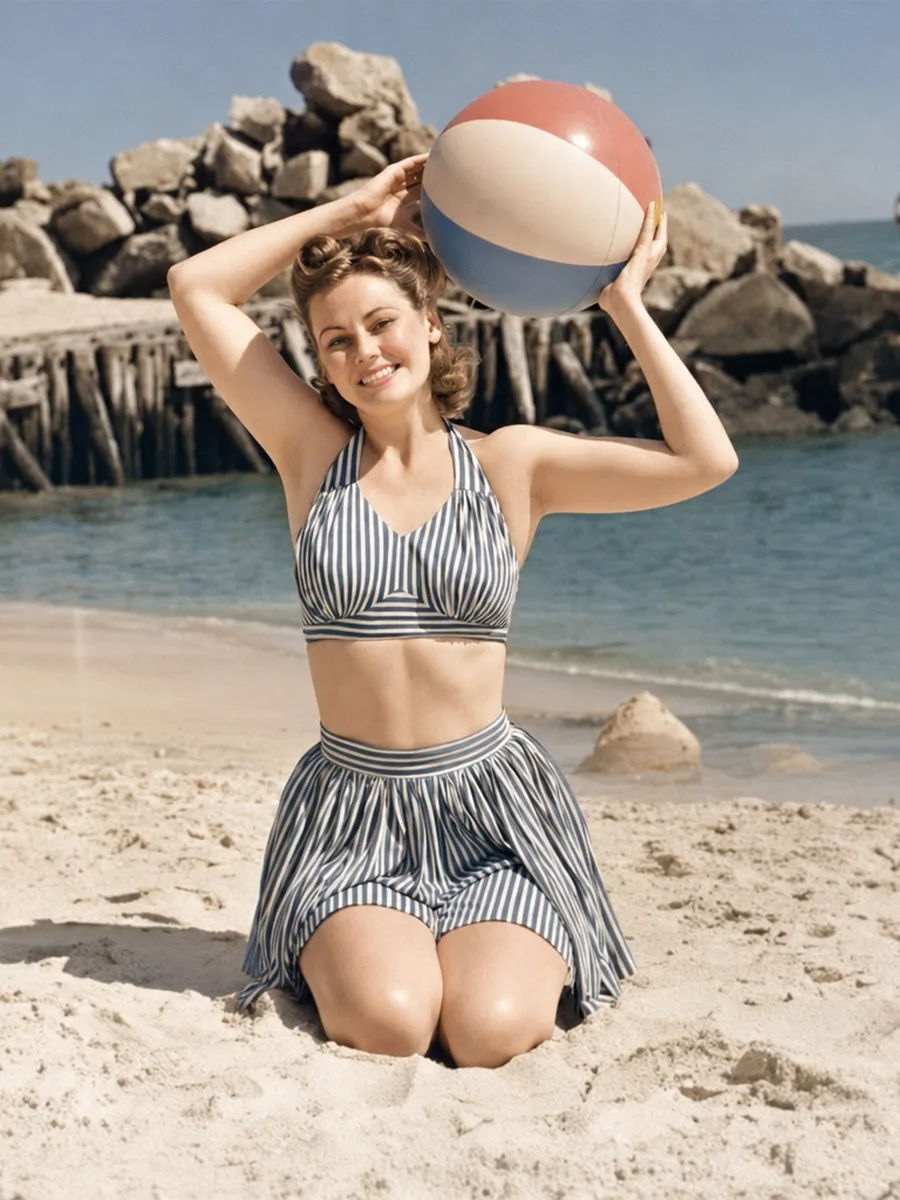
Restore an old family photo into a gift-worthy memory
Upload one faded, scratched, or black-and-white family photo and get a cleaner, naturally colorized version you can save, print, or gift to someone who cares.
- One-time payment · no subscription
- One upload link after payment
- Generation is consumed only after a successful AI result
- Result is kept for 24 hours and can be downloaded up to 3 times
- No signup and no manual retouching
A lightweight alternative to manual photo restoration
Manual restoration can be expensive, slow, and require revisions. PixStyleLab is a one-photo AI service for quick memory revival: best for faded, scratched, black-and-white, or sepia family photos.
Perfect for
If a technical error occurs, your link is not consumed. AI results may vary; subjective dissatisfaction does not include a free revision.
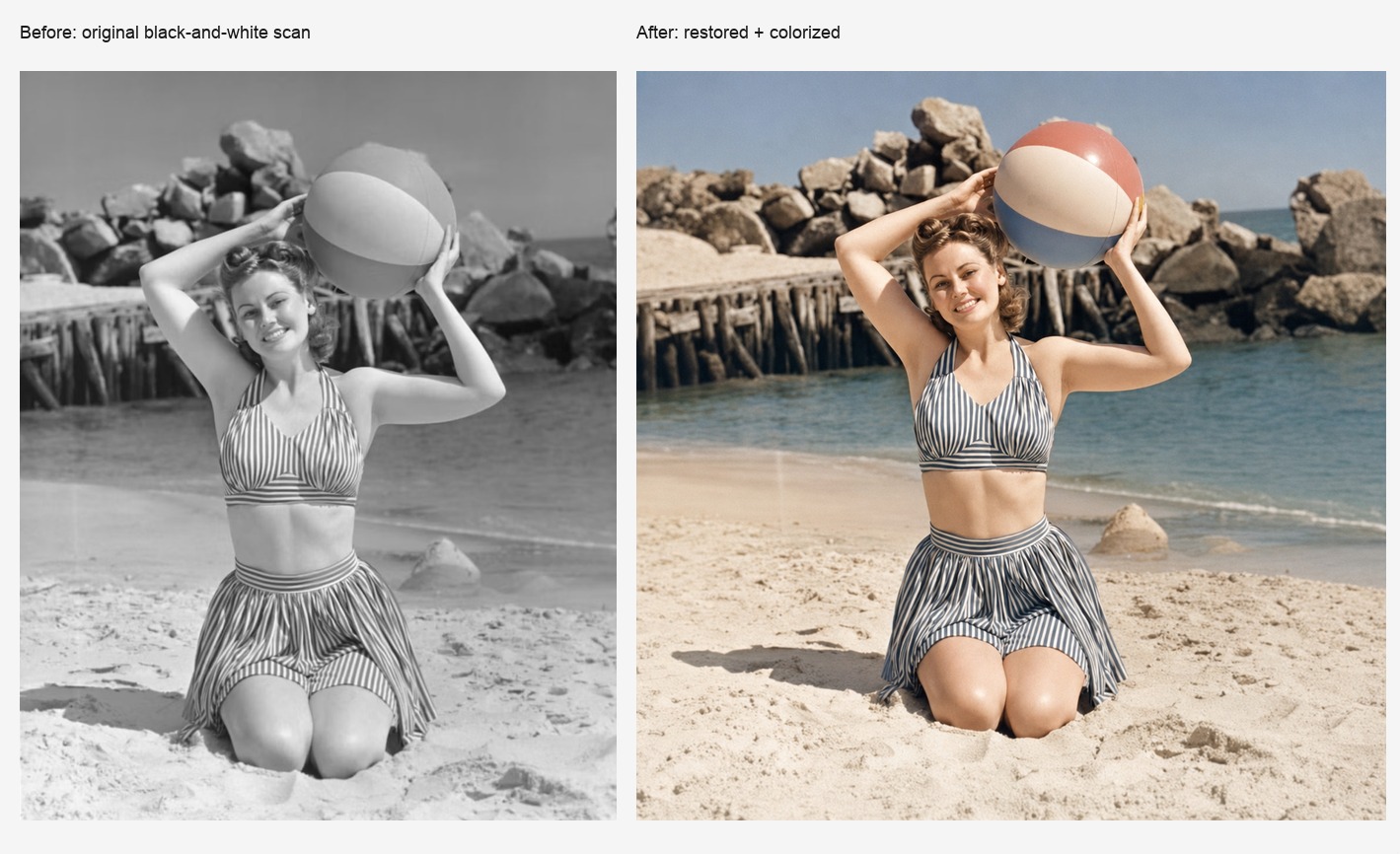
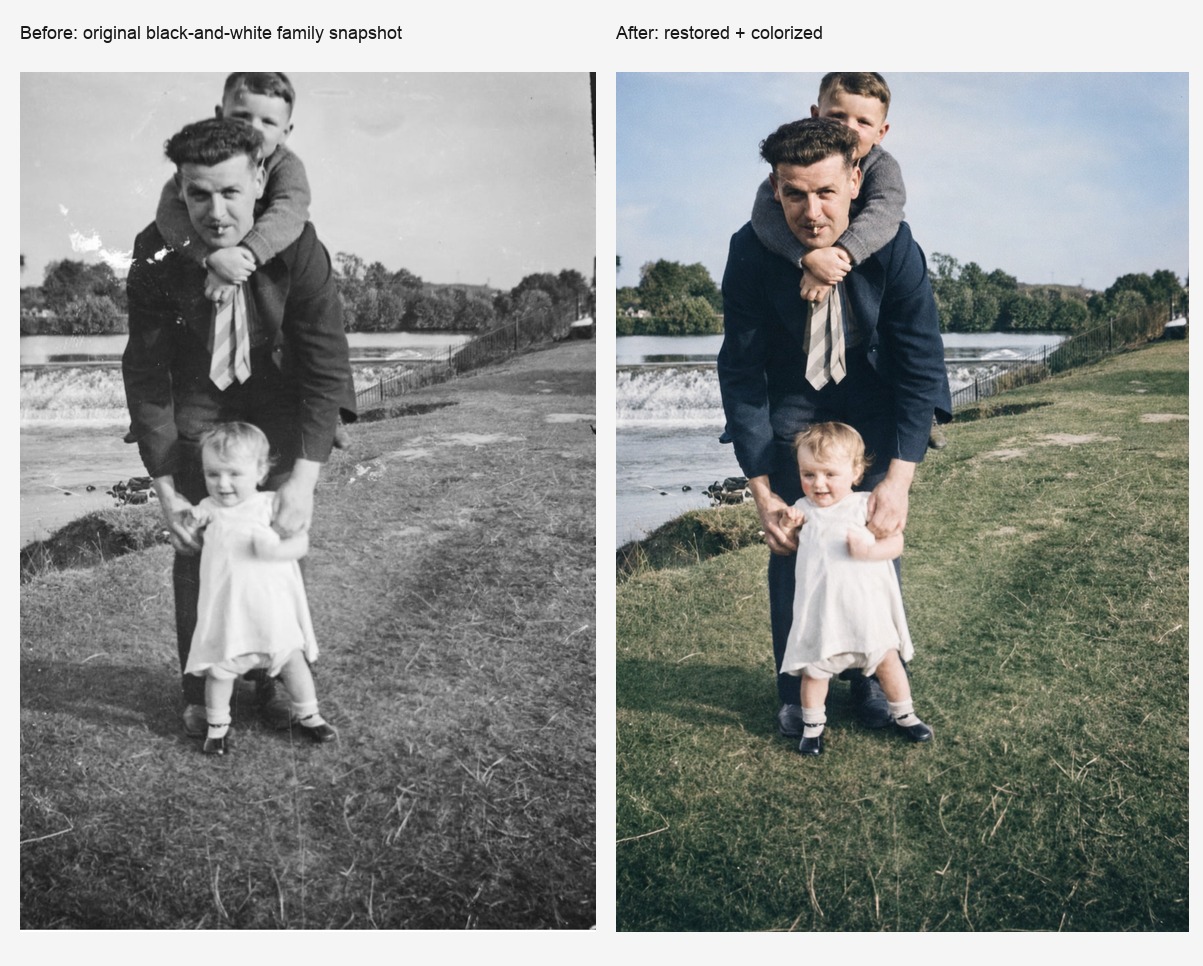
Example results
Before/after examples showing old-photo cleanup and natural colorization.
Questions before you create
Will it change the person’s face?
The style is designed to preserve identity, expression, age impression, clothing, and the original scene as much as possible. Severe damage may still require approximate reconstruction.
Can it colorize black-and-white or sepia photos?
Yes. It adds subtle, historically plausible color while keeping a restored archival-photo feel.
What kind of photo works best?
Clear scans or photos of old prints work best. Very blurry faces or large missing areas may produce less accurate results.
Do I need an account?
No. After payment you receive one upload link for one successful generation. No subscription or account is required.